

the Tango Team
November 25, 2026
How to Stay Safe on Video Chat With Strangers
Simple habits that keep video chats with strangers safe and enjoyable.
Video chat with strangers is a quick way to meet someone new, practice a language or just pass the time. Safe video chat comes down to a few habits: keep your personal details private, check what your camera can see, trust your instincts, and leave or report any chat that does not feel right.
This guide covers what to check before you start, what to keep private, which warning signs matter, and what to do when a chat doesn't feel right.
How Do You Choose a Safe Video Chat Platform?
Safety starts with the place you pick. Before you turn on your camera, look at the platform itself and see whether it gives you control.
Good signs include clear report and block buttons, a way to skip to the next person, a privacy policy you can read and some information about who runs the service. A platform that has none of these leaves you on your own if something goes wrong.
It also helps to download apps only from an official app store or the service's own website. Fake copies of popular apps exist, and they can carry malware. If a pop-up asks you to install something you did not choose, close it.
Different apps to talk to strangers offer very different controls, so it is worth comparing a few before you pick one.
What Personal Details Should You Keep Private?
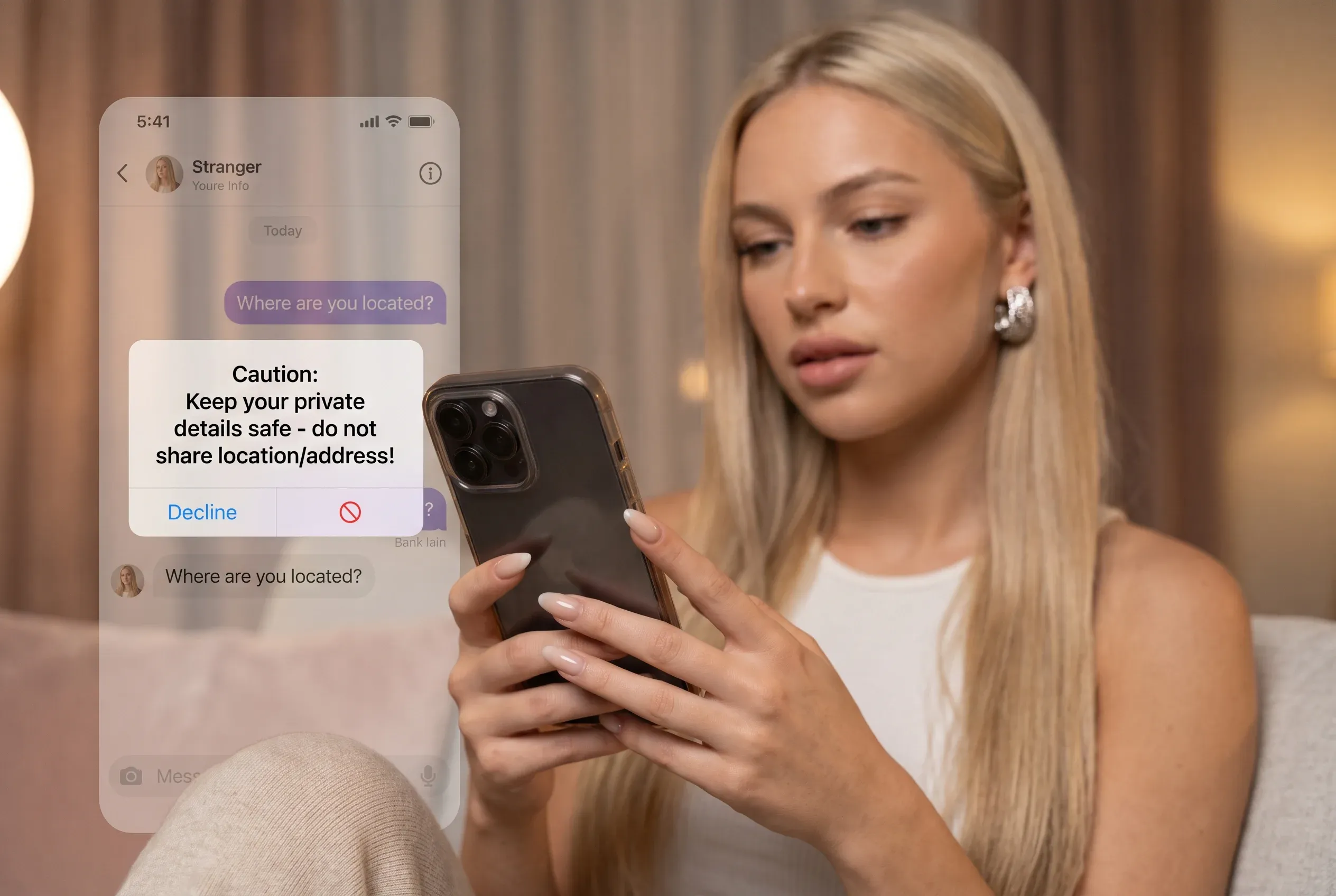
The easiest way to stay safe is to share less. A stranger does not need your full name, home address, phone number, email, school, workplace or neighborhood to have a good conversation.
These details are worth keeping to yourself:
- Your full name and the names of your family members
- Your address, street or the area where you live
- Your phone number, email and social media handles
- Your school, workplace or daily routine
- Any financial information, such as card or bank details
Use a nickname instead of your real name. A nickname lets you chat freely and gives you a layer of privacy that you can keep for as long as you like.
It is also fine to stay on the surface. You can have a warm, funny and honest conversation without telling someone your life story. Easy topics like music, travel and hobbies keep things light, and a few conversation starters help when the chat goes quiet.
How Should You Set Up Before a Video Chat?
What the camera can see says a lot about you. A few minutes of setup before you start makes a big difference.
Look at your background first. Mail, photos, school or work badges, uniforms, a street view through a window and anything with your name on it can tell a stranger more than you meant to share. A plain wall works well. A blurred or virtual background also works, if the platform offers one.
Next, tidy your screen and your device. Close personal tabs, turn off notifications and make sure no messages or documents can pop up while you are on camera. Keep IDs and papers out of view.
Then check your settings. Know how to mute your microphone and turn off your camera in one tap, so you can do it quickly if you need to. It also helps to check who can see your camera and hear your microphone, and to turn off anything you do not need.
Should You Start With Text Before Video?
If the chat gives you the option, starting with text is a gentle way to get a feel for someone. Writing usually shows more about a person than a few seconds of video. You can see how they respond, whether they are polite and whether they respect your boundaries.
Moving to video can then be your choice, at your own pace. If someone pushes you to switch to video or share more before you are ready, that is useful information in itself.
Not every platform has a text option, and that is fine. In that case, the next sections matter even more.
What Are the Warning Signs on a Video Chat?
Most people on video chat are not a problem, but a few use similar tricks.
These are the signs worth noticing:
- Asking for personal details early, such as where you live, where you go to school or what your full name is
- Asking you to move to another app or share your social media right away
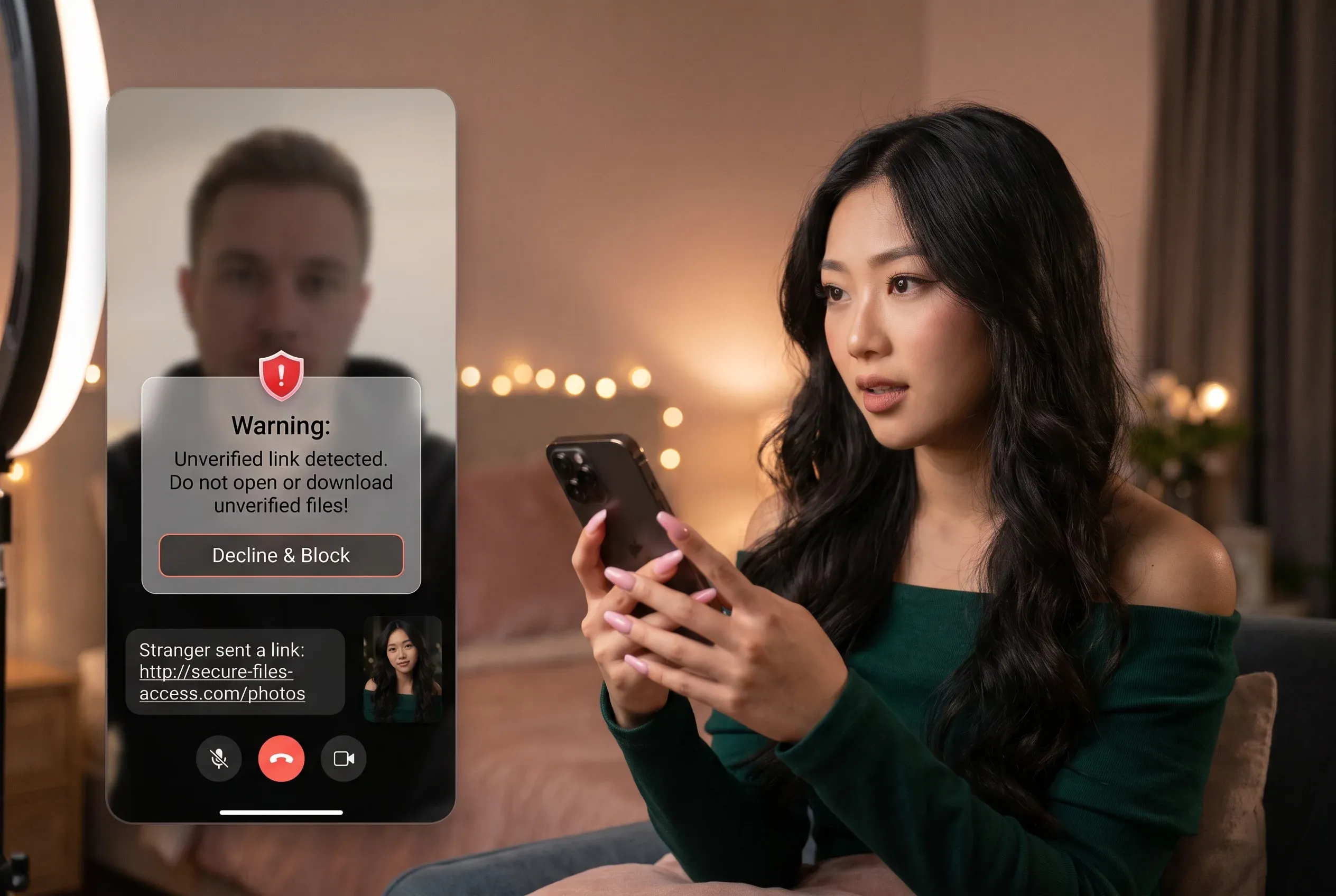
- Sending links you did not ask for, which can lead to fake pages or malware
- Asking for money or gift cards, or pressuring you to send gifts right away or promising something in return
- Trying to record you or take screenshots without asking
- Pressuring you to do something you are not comfortable with, or getting angry when you say no
- Refusing to show their face, saying their webcam is broken, repeating the same scripted lines, or not matching what their profile says
One warning sign does not always mean bad intent, but several together are a clear reason to leave. Your instincts count too. If something feels off, you do not need a reason or an explanation.
How to Leave and Report
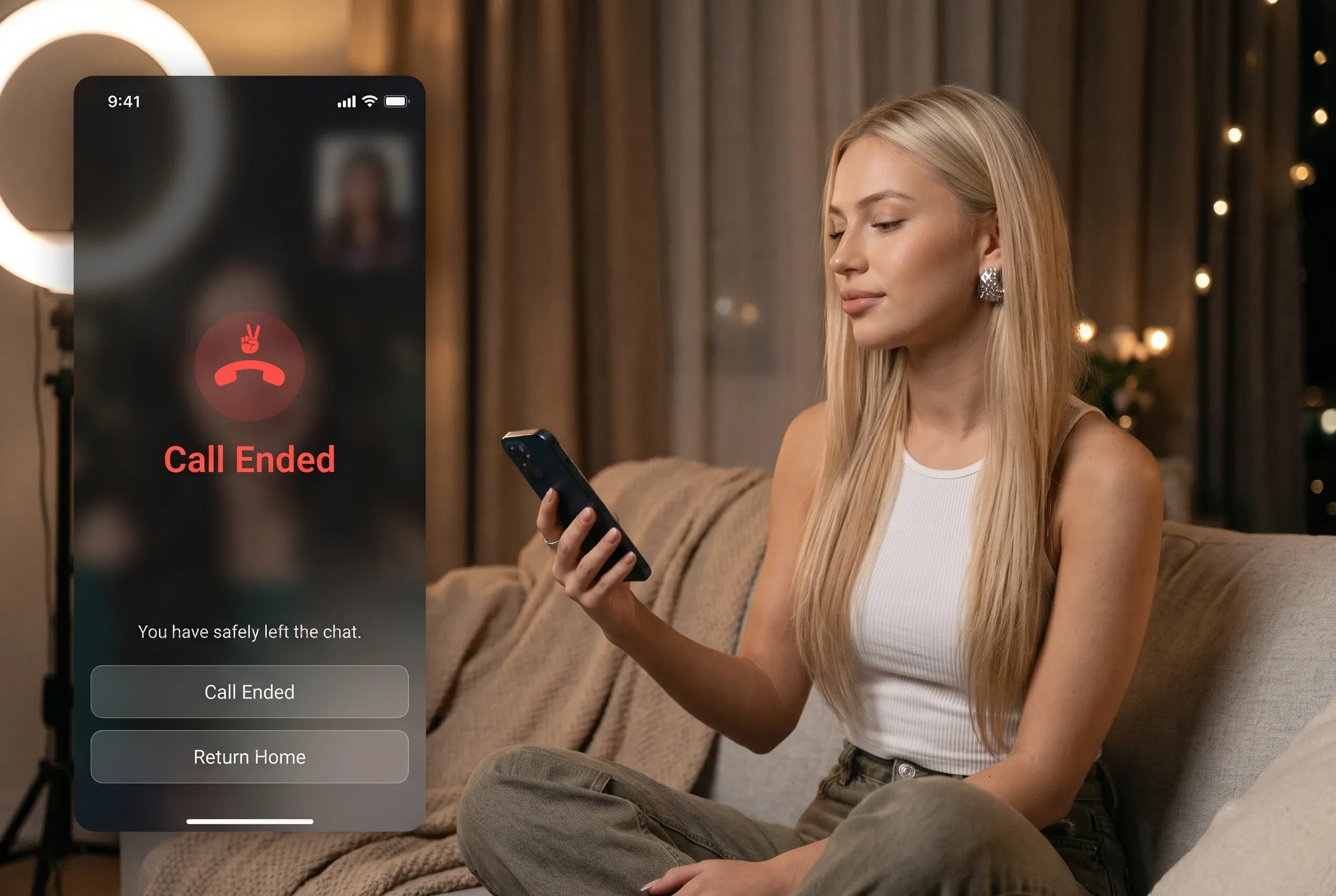
You are never required to stay in a chat. Ending a conversation that makes you uncomfortable is normal, and you don't have to say goodbye, explain yourself, or be polite twice.
Here is a simple way to handle it:
- End the chat or skip to the next person.
- Block the person if the platform lets you.
- Report them so the platform can look into it and protect other users.
- Take a moment before the next chat. It is fine to take a break for the day.
Blocking alone does not always end it, because someone you block may try to contact you again from a different account. That is one more reason to report.
Reporting matters more than it seems. Platforms rely on user reports to spot repeat behavior, so one report can help many people.
If someone threatens you or asks for money, do not reply and do not send anything. Keep the details if you can and report the person to the platform. In a serious case, you can also contact local authorities.
What Do Platforms Do to Keep Chats Safe?
Platforms usually do some of the work for you. Tango, for example, says it uses a combination of technology and human moderation to enforce its community rules. Automated tools have also become a common part of AI in online video chat, where they flag spam and abusive behavior as it happens and human moderators review what is flagged.
These tools help, but they cannot see everything. No system catches every problem, so your own habits are still the most reliable protection. Think of moderation as a safety net, not a replacement for your own judgment.
What Should You Do After a Video Chat?
Staying safe does not stop when the call ends. A few quick habits close the loop.
Assume anything you say or show on camera could be recorded. A plain background and a nickname can help protect your privacy, but staying mindful during the conversation matters too. The FTC’s video chat safety tips explain more.
If you tried a site or app you do not plan to use again, remove its access to your camera and microphone in your device settings. Do not contact a person you met on video chat on other platforms unless you really want to. A good chat does not have to move anywhere else.
Keep your software updated as well. Updates fix security problems, and they are worth installing only from the official source.
How Can You Look After Yourself on Video Chat?
Safety is also about how you feel. Talking to strangers can be exciting, and it can also be tiring or upsetting when someone is rude or unkind. A harsh comment from a stranger can feel bigger than it is.
You can leave any chat that makes you feel bad. It also helps to set a limit for yourself. Long sessions can lead to oversharing, and a short break keeps the experience fun. If a chat really upsets you, talk to a friend or someone you trust. You do not have to deal with it alone.
Once you feel comfortable, video chat is also a good way to make friends online at your own pace.

Common Misconceptions About Video Chat Safety
- A nickname or VPN makes you untraceable: They can hide some identifying details, but your face, voice, background, and what you share may still reveal who you are.
- People on camera are always who they say they are: A face on screen doesn’t confirm someone’s identity. Watch for details that don’t add up.
- Your background doesn’t matter: Mail, IDs, screens, street signs, and other people in view can reveal private information. Check your surroundings or blur your background before joining.
- Messages and links are harmless: Unexpected links or files from strangers could lead to scams or malware. Don’t open them unless you trust the source.
- A friendly stranger is automatically trustworthy: A warm first impression doesn’t mean you need to share personal details.
Tips for Safe Video Chat on Tango
Tango is a social app for adults 18 and older, bringing live streaming and video chat together. These safety habits apply to any video chat, and Tango offers tools to help. The Help Center explains how to block or report someone:
- Block someone: Tap the three-dot icon on their profile, or press and hold their name in a stream chat, and choose Block. Blocking stops that person from calling or messaging you.
- Report someone: On their profile, stream, or stream chat, tap Report, choose a reason, then tap Submit report.
- Keep the conversation on Tango: You can use our reporting and moderation tools if something feels wrong. Be cautious if someone asks you to move the conversation elsewhere. Read Tango’s safety guide for more information.
- Keep gifts voluntary: Sending gifts is always your choice. Be cautious if someone pressures you to send one or promises something in return.
- Protect your account: Never share your password, verification codes, or payment details.
Video Chat Safety: Frequently Asked Questions
Is it safe to video chat with strangers?
It can be, if you protect your personal information. check what’s visible in your background, and leave any chat that feels uncomfortable. A few simple habits can help you stay safer.
What should I never share on a video chat?
Keep your full name, address, phone number, email, school, workplace, and financial details private. Keep IDs, mail, and anything with your name on it out of camera view too.
Can a stranger find me from a video chat?
They may be able to piece together clues you share. A street sign, work badge, school logo, or name mentioned aloud could reveal who you are. Use a nickname and a plain or blurred background, and avoid sharing identifying details.
Can someone record a video chat?
Yes. Assume anything you say or show could be recorded. If someone records you without your consent, end the chat and report them to the platform. Keep details such as their username. If they use a recording to threaten you, contact local authorities.
How can I tell if someone is trying to scam me on video chat?
Be wary of requests for money, gift cards, or gifts; pressure to act quickly; unexpected links; or demands to move to another app. A profile that doesn’t match what you see and hear can also be a warning sign.
Can someone hack me through a video chat?
The risk often comes from links, files, or downloads a stranger sends. They could lead to malware or fake websites. Don’t open unexpected links, and download apps only from an official app store or the service’s website.
What should I do if someone makes me uncomfortable?
End the chat, then block and report the person if those options are available. You don’t need to explain or say goodbye. It may also help to talk with someone you trust.
Should I click links that a stranger sends me?
End the chat, then block and report the person if those options are available. You don’t need to explain or say goodbye. It may also help to talk with someone you trust.
Is it okay to move the chat to another app?
It’s usually better to stay on the platform until you know the person better. Be cautious if someone you’ve just met pressures you to switch apps. You can say no.
Does using a nickname really help?
A nickname keeps your real name private and makes it harder for someone to look you up. Pair it with a plain background, and avoid sharing other identifying details.
How do I know if a platform is trustworthy?
Look for clear report and block options, an understandable privacy policy, and information about who runs the service. Download apps only from an official app store or the service’s website.
Does a VPN make video chat safer?
A VPN can hide your IP address, but it can’t protect all the personal details you might share. Keep those private and use the same safety habits you would without a VPN.
Is anonymous video chat safer than chatting through a profile?
Not necessarily. Anonymity can help protect your identity, but it doesn’t verify who you’re talking to. Your safety habits matter either way.
How do I block or report someone on Tango?
To block someone, open their profile, tap the three-dot icon, and choose Block. You can also press and hold their name in a stream chat. To report someone, choose Report from their profile, stream, or stream chat, select a reason, and tap Submit report.
What if someone I blocked contacts me again?
They may try to reach you from another account. Block the new account and report it so the platform can review what’s happening.
How long should a video chat last?
There’s no set limit. If you’re concerned about oversharing, decide in advance how long you want to chat and take a break when you need one.
Should I start with text or go straight to video?
Start with whichever feels more comfortable. Text can give you a little time to get a feel for the conversation; you can switch to video when you’re ready, if the platform offers both.
Ready to Chat the Safe Way?

The best video chats are relaxed, curious and on your own terms. Keep your details private, trust your instincts and enjoy meeting someone new.
Open Tango Live to find a stream to join or someone to talk to →
Maybe you like
Tango Categories
It Takes U to Tango
Discover how to get more from Tango, whether you're starting a video chat, meeting new people or exploring live streams. These practical guides cover the tools, features and tips that can help you connect, interact and make the most of your experience.
You’ll also find practical guidance for creators who want to go live, engage viewers and grow their presence on Tango. Explore tips for better video chats and live streams, along with guides to viewer engagement, gifts, coins and diamonds, creator tools and building an active community.
Keep Up with Tango
Get the latest articles, product news, and community stories delivered to your inbox.