

the Tango Team
November 10, 2026
Video Chat vs. Live Streaming: What's the Difference?
A guide to video chat and live streaming: how each works, how they differ, and which one is right for you.
Video chat and live streaming both put people on camera in real time, so it's easy to treat them as the same thing. They aren't. One is a conversation, and the other is a broadcast, and that changes almost everything about how it feels to take part. Here's how each one works, where they differ and how to decide which one fits what you want right now.
What Is Video Chat?
Video chat, also called video calling, lets two or more people see and hear each other at the same time. The technical name is videotelephony. Put simply, it's a conversation where everyone can speak, and everyone can be seen.
Chances are you already do it. A FaceTime call with a friend, a family catch-up on WhatsApp and a work meeting on Zoom are all video chat. So is a call with someone you've just met on a random video chat app like Azar or OmeTV. What they share is the back-and-forth: you say something, the other person answers, and you take turns. In a small group, everyone is part of the same conversation. If you're curious how calls with new people get set up, our guide to how random video chat works explains it step by step.
What Is Live Streaming?
Live streaming means sending video to viewers as it happens. The "live" part is the whole point. It isn't a recording people watch later, because live streaming is video sent out in real time, or very close to it.
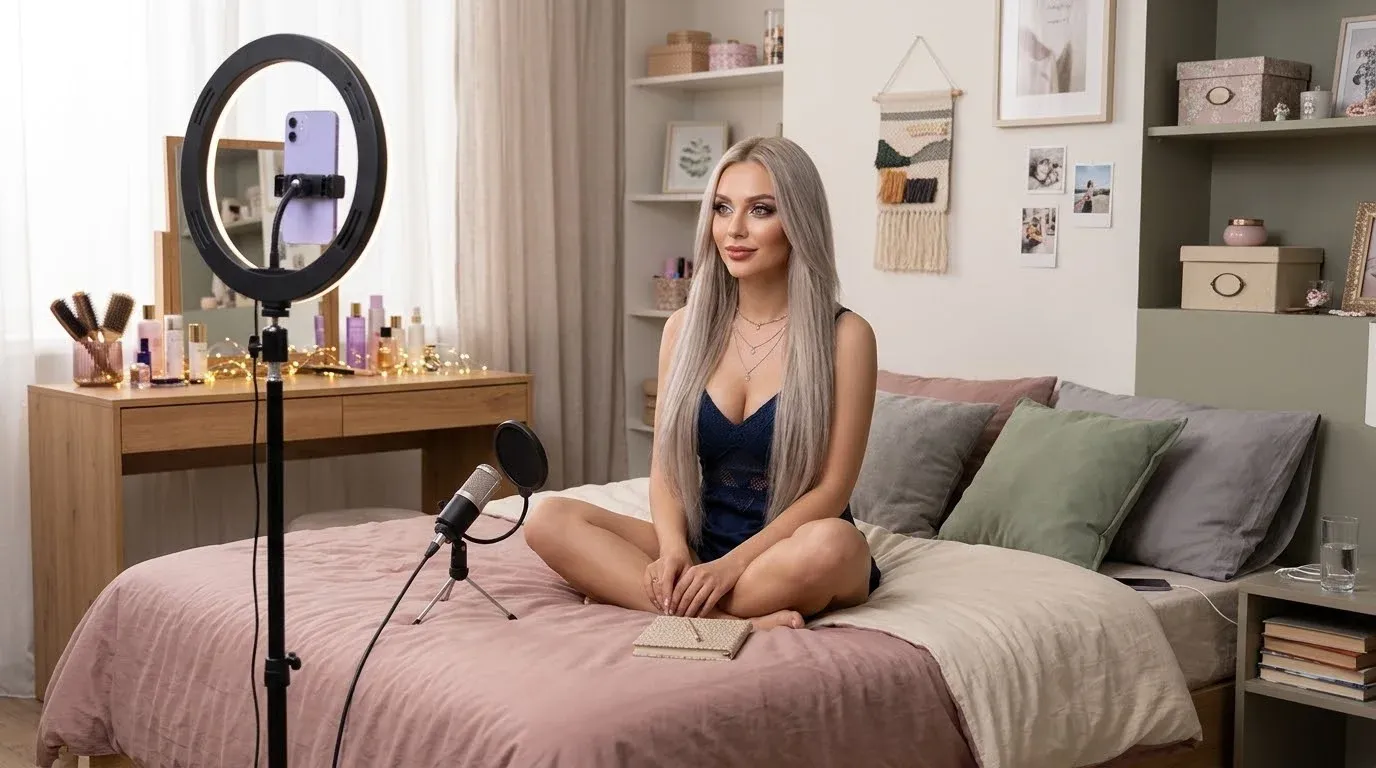
One person, usually called the streamer or creator, is on camera. Lots of viewers can watch at once, and most of them stay off camera. They take part through the chat instead. They can type comments, send reactions and, on some platforms, send gifts. The streamer can read the chat and answer out loud, so it still feels like talking, just in a different way.
You'll find it on platforms like Twitch, YouTube Live, Bigo Live and Tango. Streams come in many styles, from live music and casual chat to cooking, gaming and everyday routines. If you're curious what that looks like in practice, our look at the popular live streaming styles in Europe shows how much range there is.
Video Chat vs. Live Streaming at a Glance
| Question | Video chat | Live streaming |
| Who is on camera? | Everyone on the call, usually | The streamer. Viewers usually stay off camera |
| How many people take part? | One person, or a small group | Many viewers at once |
| How do you take part? | You talk and listen | You watch, comment, react and send gifts |
| Who leads? | Everyone takes turns | The streamer leads |
| What does it feel like? | A conversation | A show, or a hangout with a host |
| Best for | Getting to know someone, catching up | Watching something live and being part of a crowd |
The Main Differences, Explained
The table gives you the short version. Here's what the differences mean when you're actually on screen.
Who You Talk To
On a video call, you're talking to the person or people on the other end. They know you're there and you know who they are. It's personal by design.
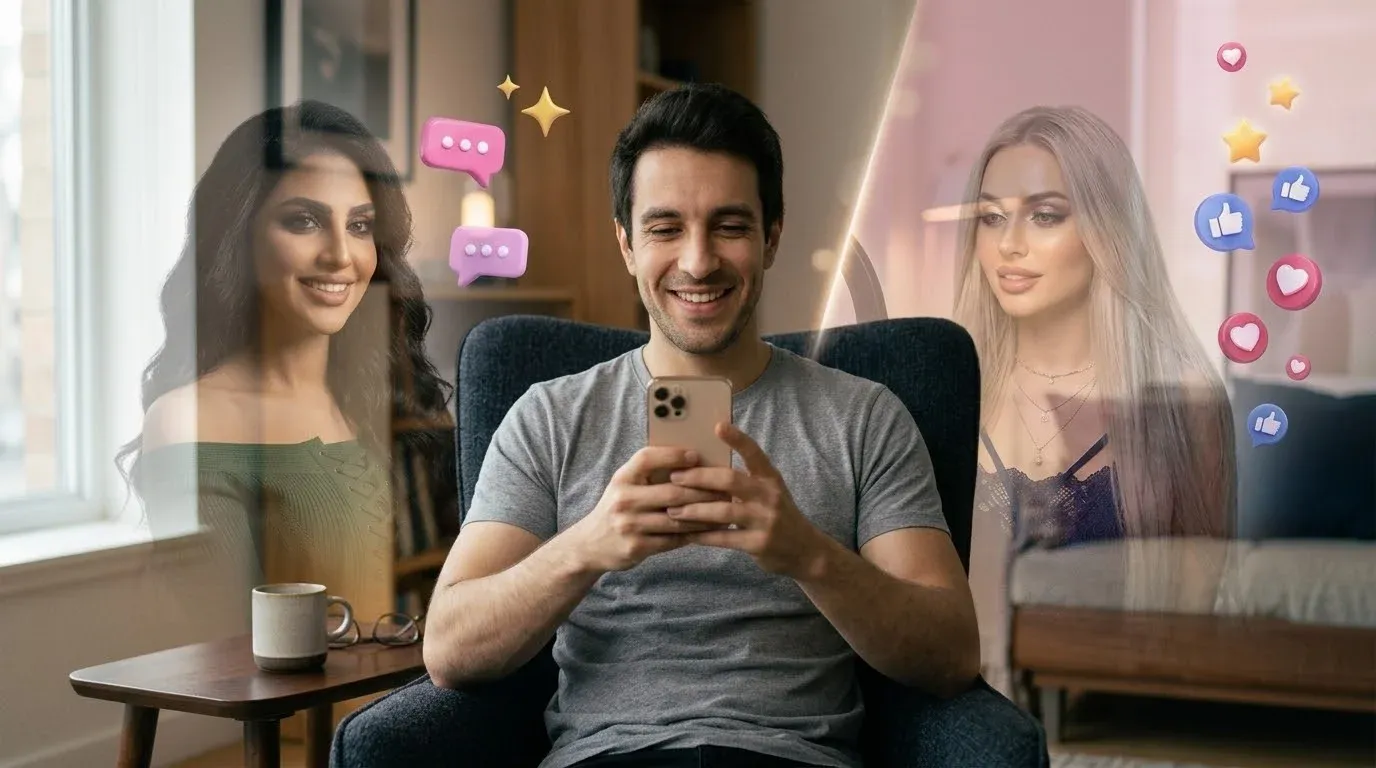
In a live stream, the streamer is talking to everyone at once, and you're part of the crowd. You can drop in a comment, and the streamer might read it out and reply, but you're not in a private conversation. You're in a shared space.
How Much You Take Part
Video chat asks more of you. You have to be on camera, come up with things to say and keep the conversation moving. If you want a real connection, that's exactly what you want. If you're shy, it can feel like a lot.
Live streaming asks for less. You can simply watch. When you feel like joining in, you can type a comment or send a reaction, and you can do it at whatever pace feels comfortable. For plenty of people, that makes it a much easier way to feel part of something.
What It Feels Like
A video chat feels like sitting across a table from someone. It's close, and what you say matters to the person listening.
A live stream feels more like walking into a room where something is already going on. There's a host, there's an audience, and the mood shifts depending on who's there. Both can be great. They just scratch different itches.
What Each One Looks Like in Practice
Sometimes it's easier to picture a real example of each.
A Typical Video Chat
You start a call, or you accept one. Your face shows up on their screen and theirs on yours. Somebody says hello. You ask how their day is going, they answer, and the conversation finds its own shape from there. Nobody else is watching. When you've had enough, you say goodbye and end the call.
It all depends on the two of you. If you're both relaxed and curious, it flows. If one of you runs out of things to say, the silence can get awkward fast, which is why it helps to have a couple of easy questions in your back pocket.
A Typical Live Stream
A creator goes live. Viewers start to arrive, and the chat begins to fill up with comments and reactions. The streamer might greet people by name, answer a question from the chat, play some music, talk about their day or show something they've made. You can sit back and watch, type a comment, or send a reaction.
The mood depends on the creator and the crowd. Some streams are calm and chatty, and others are loud and playful. If one isn't for you, you can leave and open another, which is a big part of why live streaming is so easy to try.

When to Choose Video Chat
Pick video chat when you want a real conversation with a real person. It works well when you want to:
- Get to know one person properly, without a crowd.
- Catch up with friends or family.
- Meet someone new and talk face to face.
- Talk about something personal.
- Practice a language or share a hobby with one other person.
A few simple habits make any video chat better: smile, look at the camera now and then, and ask a follow-up question about something the other person just said. People remember how listened to they felt more than what was actually said.
When to Choose Live Streaming
Pick live streaming when you want to watch, or when you'd like a lighter way to join in. It works well when you want to:
- Watch something live without having to talk.
- Be part of a crowd and see other people react.
- Follow a creator you like and see them regularly.
- Join in through chat before you feel ready to be on camera.
- Become a creator and share what you do.
If that last one sounds tempting, our beginner's guide to how to start live streaming walks through going live from your phone, including how to test your stream before anyone sees it.
How to Choose Between Them
Still on the fence? Ask yourself a few questions.
Do I want to talk or listen? If you want to talk, go with video chat. If you'd rather listen and watch first, live streaming is the easier start.
Do I want one person's full attention? Video chat gives you that. In a live stream, the streamer's attention is shared with everyone watching.
Am I comfortable on camera? If you are, video chat is simple to try. If you're not, live streaming lets you take part without showing your face.
How much time do I have? A video chat has a clear start and end, and you decide when it's over. A live stream can run for a long while, and you can drop in and out whenever you like.
Do I want to share something myself? If you'd like an audience for a hobby, music or conversation, live streaming gives you one. If you'd rather share it with one person, video chat does.
There's no wrong answer here. Plenty of people use both, depending on their mood that day.
Can You Do Both?
Yes. Many apps lean toward one format or the other, but some offer both. Instagram, for example, has live videos and video calls in the same app, and so does Tango. That means you can watch a stream for a while and start a call when you feel like talking.
If you want a wider look at what's out there, from creator-led streams to one-on-one chat, our roundup of the best live video chat websites sorts the main types and what each one is good for.
Common Mix-Ups
A few ideas come up again and again, so let's clear them up.
"A live stream is just a big video call." Not quite. In a video call, everyone can speak and be seen. In a live stream, one person is the focus and the audience joins in through chat and reactions.
"Video chat is only for people you already know." It isn't. Video chat works for friends and family, and it also works for meeting someone new.
"You have to talk to take part in a live stream." You don't. You can watch, type a comment or send a reaction, and that's plenty to feel included.
"You have to be a professional to go live." Also no. If you have a phone and something to share, you can try it. Everyone starts somewhere.
Staying Safe on Video Chat and Live Streams
The basics are the same for both formats.
- Keep personal details to yourself, such as your full name, address, school or workplace.
- Check what's visible behind you before you turn on your camera.
- Remember that comments in a live stream are usually visible to other viewers, so think before you share anything personal.
- If someone makes you uncomfortable, leave the call or the stream. You don't owe anyone an explanation.
- Use the block and report tools in the app.
Apps are also getting better at spotting spam and abuse as it happens. Our article on AI in online video chat explains how smart tools help with moderation and what they can and can't do.
Tips for Your First Time
Both formats are simple once you've tried them. These tips help with the first go.
Your First Video Chat
- Start with an easy question, like how the other person's day is going.
- Smile and look at the camera now and then, not only at your own picture.
- Ask one question at a time and give the other person room to answer.
- Share a little about yourself too, so it feels like a two-way chat.
- If it isn't clicking, say thanks and end the call politely.
Your First Live Stream to Watch
- Browse by category, such as music, conversation, lifestyle or live performances, not only by what's popular.
- Watch for a few minutes before you join the chat, to get a feel for the mood.
- Say hello in the chat. A short, friendly comment is plenty.
- Follow creators you enjoy, so you can find them again.
- Don't worry about being on camera. Viewers don't have to be.
If you're not sure where to start, our guide to discovering the best creators to watch shows how browsing, categories and following work.
Video Chat vs. Live Streaming: Frequently Asked Questions
What is the difference between video chat and live streaming?
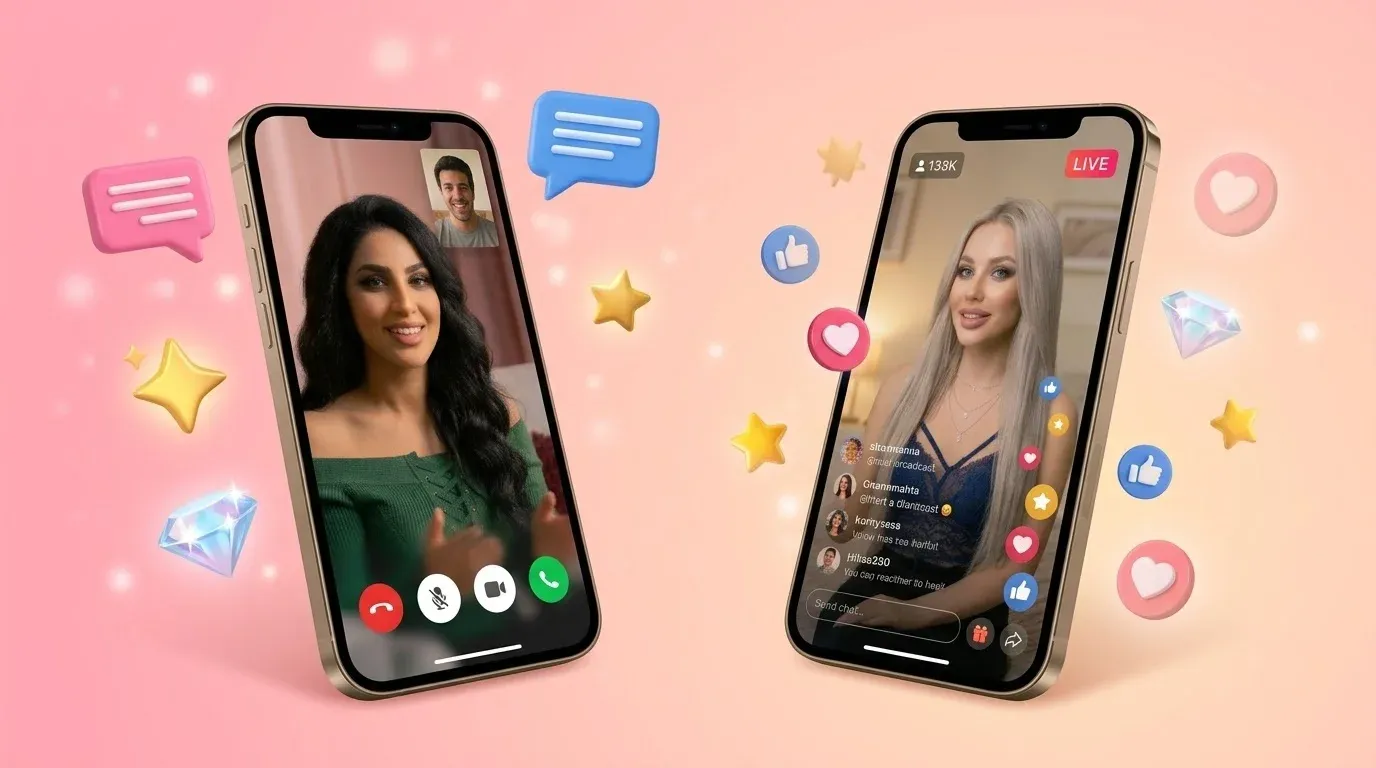
Video chat is a two-way conversation between you and one person, or a small group. Live streaming is a broadcast from one person to many viewers, who take part through chat, reactions and gifts.
Is live streaming the same as a video call?
No. In a video call, everyone can speak and be seen. In a live stream, the streamer is on camera and speaks to the audience, while viewers usually stay off camera.
Can viewers talk to a streamer?
Yes, through the chat. Viewers can comment and send reactions while a creator is live, and the creator can read the chat and reply out loud.
Do you have to be on camera to watch a live stream?
No. Viewers can watch without turning on their camera. You can join in by commenting or sending reactions if you want to.
Which is better for meeting new people?
It depends on what you want. Video chat is better for talking to one person face to face. Live streaming is a gentler way to start, because you can watch and chat before you decide to talk to anyone.
Can you use video chat and live streaming in the same app?
Yes, some apps offer both, such as Instagram and Tango, so you can watch live streams and make video calls without switching between apps.
Which One Will You Try?
Now you know how video chat and live streaming differ. If you want a conversation, go with video chat. If you want to watch and join in at your own pace, go with live streaming. And if you can't decide, try both and see which one feels more like you.
Maybe you like
Tango Categories
It Takes U to Tango
Discover how to get more from Tango, whether you're starting a video chat, meeting new people or exploring live streams. These practical guides cover the tools, features and tips that can help you connect, interact and make the most of your experience.
You’ll also find practical guidance for creators who want to go live, engage viewers and grow their presence on Tango. Explore tips for better video chats and live streams, along with guides to viewer engagement, gifts, coins and diamonds, creator tools and building an active community.
Keep Up with Tango
Get the latest articles, product news, and community stories delivered to your inbox.