

the Tango Team
November 16, 2026
How to Download and Install the Tango APK
A step-by-step guide to downloading, installing and updating the Tango APK.
If you’re looking for the Tango APK, you’re in the right place. To download it, open the download page in your phone’s browser, tap the download button, allow the installation, and open the file. The whole thing takes about a minute. Tango is a live entertainment app where you can watch live streams, go live yourself, send gifts, and make friends; it has been downloaded more than 500 million times. This guide also covers updating the Tango APK and what to do if the install doesn’t work.
What Is the Tango APK?
An APK is the file Android uses to install an app. The name stands for Android Package, and the file holds everything the app needs to run, wrapped up in one neat bundle. Lenovo has a clear explanation of the Android Package Kit if you'd like the details. The simple way to think about it: the APK is a box with the app inside, and installing it just means opening the box on your phone.
When you download the Tango APK, you get the full Tango app. It's not a trial or a cut-down version. You download the file in your phone's browser, open it, and install it; from then on, Tango behaves like any other app on your phone. It's free to download, and you can sign in with an existing account or create a new one.
What You Can Do With Tango
Tango is used in more than 180 countries, and once it's installed, there's plenty to explore.
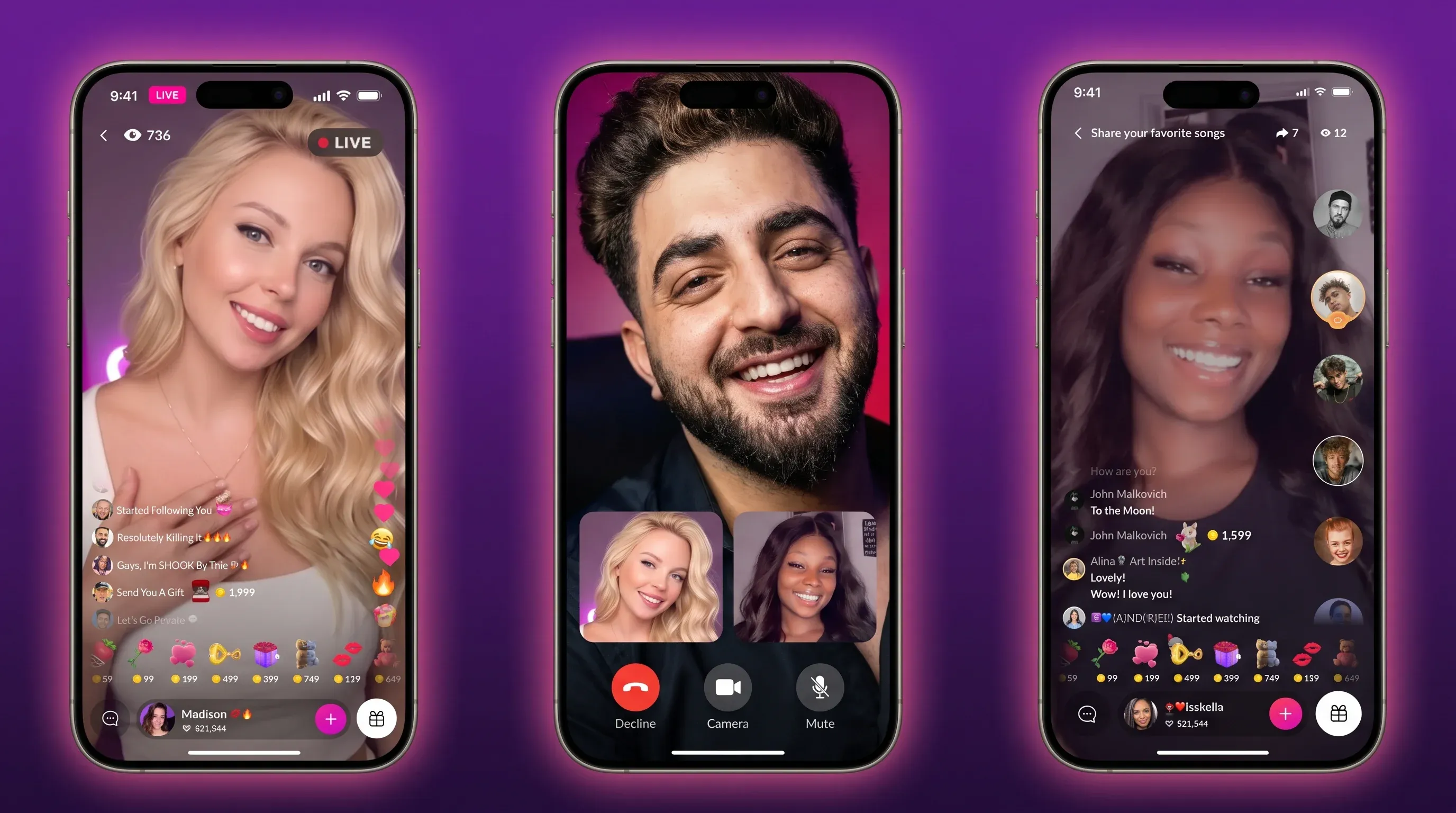
Watch live entertainment: Something is always going on. Creators from all over the world are live at any hour, from music and chats to everyday moments, and you can join in with comments, reactions and gifts.
Go live yourself: Going live takes one tap, and you can broadcast to thousands of viewers right from your phone. If you've never tried it, it's easier than it sounds.
Chat and video call: Tango also lets you talk to people one-on-one. If that sounds like your kind of thing, check out 1-on-1 video calls, or use group chats when you'd rather keep up with a few people at once.
Use it in your language: The app is available in 99 languages, so you can use it in whichever one feels most natural.
Run it on slower connections: Tango is built to work on 3G, 4G, and 5G networks, and it goes easy on your data and battery, so you can stay in a stream a little longer without worrying.
Start for free: Tango is free to download and free to earn.
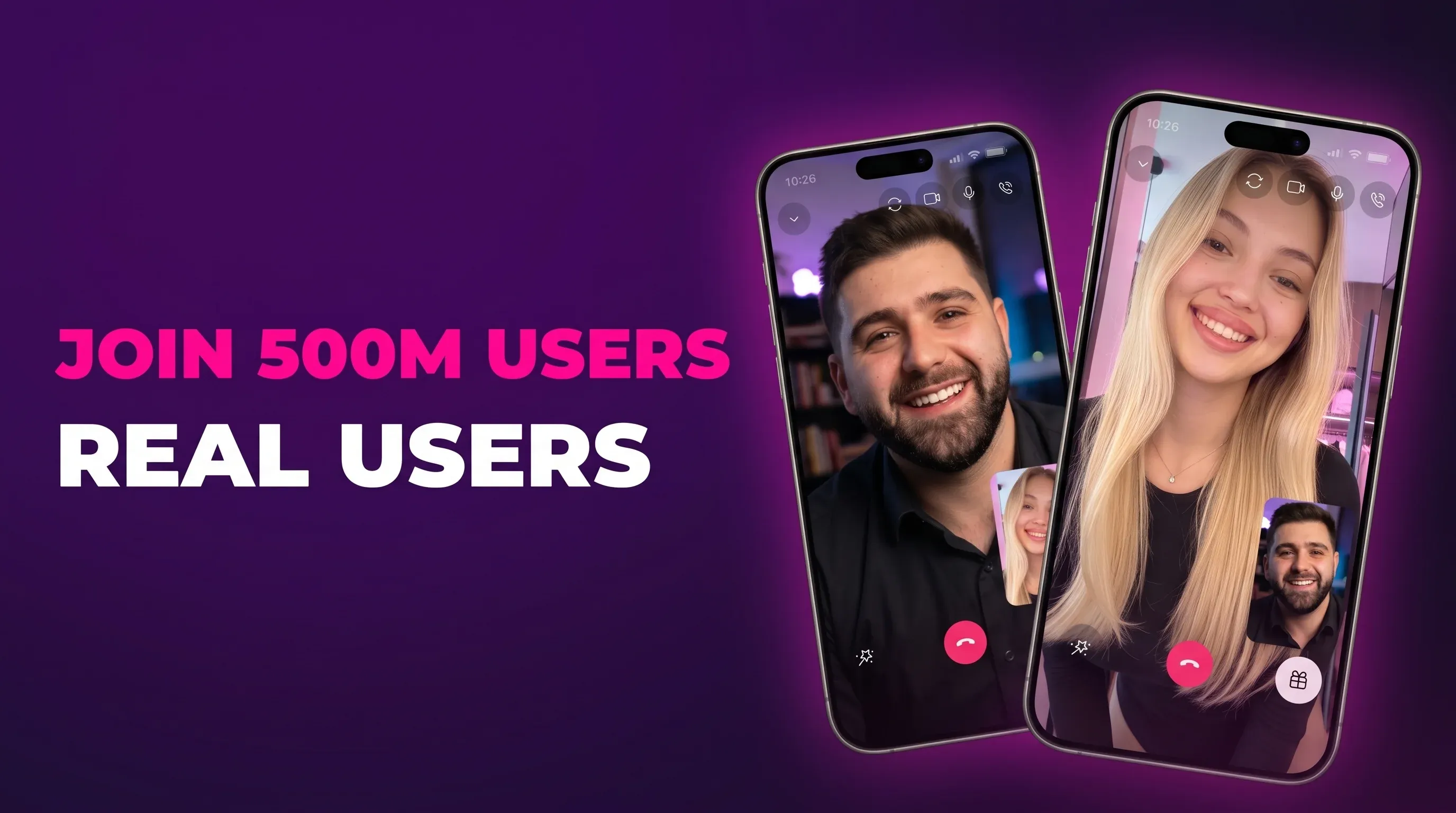
Before You Download
A bit of preparation makes everything smoother. It takes a minute, and it saves you from the problems people run into most often.
Start with storage: An app needs room to install, and a nearly full phone is the number one reason an installation fails. If you're running low, clear out some old photos, videos or apps first.
Next, find a steady connection: The file has to download completely before it will open, so Wi-Fi is the safest bet. If you're on mobile data, make sure your signal is good before you start.
It also helps to use the browser you normally use: That way, the file lands somewhere you'll find it again, usually your Downloads folder.
How to Download and Install the Tango APK
The whole thing takes about a minute. Here's how, one step at a time.
-
Open the download page: On your phone, go to the Tango APK download page in your browser.
-
Download the file: Tap the "Download Tango APK" button and wait for it to finish. You'll usually get a notification when it's done.
-
Allow the installation: Open the file from the notification or from your Downloads folder. Your phone may ask whether to allow installs from the browser you used. If it does, turn on "Allow from this source." You only need to do this once.
-
Install the app: Tap "Install" and give it a moment while the app is set up.
-
Open Tango and sign in: Tap "Open," then sign in or create a new account.
That's all there is to it, and if you're in India, there's also a dedicated Tango APK download guide for India. The wording on your screen might look a little different depending on your phone, but the steps are the same.
Why Your Phone Asks for Permission
Android likes you to confirm before it installs a file you downloaded from your browser. It's a normal part of installing an APK, so there's nothing to worry about. You allow it once for the browser you're using, and your phone won't ask again for that browser.
Signing In to Tango
If you already have a Tango account, sign in with the same details as before and everything will be waiting for you. If you're new, you can create an account the first time you open the app, then follow the on-screen steps to set up your profile.
How to Update the Tango APK
Updating works the same way as installing. When you want the newest version, head back to the Tango download page, download the latest APK and install it over the app you already have. You don't need to uninstall anything first, and you can sign in with the same account afterwards.

What to Do If the Tango APK Won't Install
Most problems have a quick fix. Here are the most common ones:
-
If the download fails, the usual cause is a slow or unstable connection. Switch to Wi-Fi and check that your browser is allowed to download files.
-
If your phone says the install isn't allowed, you need to turn on "Allow from this source" for the browser you used. Switch it on, then try again.
-
If the file won't open, go to your Downloads folder and make sure the download has finished. A file that's only partly downloaded won't open.
-
If you see "App not installed," low storage is the most likely reason. Installing over a much older version can cause it too. Free up some space or remove the old version, then download a fresh copy and try again.
-
If the screen is blank or frozen the first time you open the app, give it a moment, check your connection and reopen it before you try anything else.
-
And if your screens don't match this guide, don't worry. Phones from different brands work things a little differently. The steps are the same, but if one doesn't match what you see, you can contact Tango support.
What to Do After You Install Tango
Once you're in, a few small steps help you get more out of the app.
-
Finish setting up your profile, so people know who you are.
-
Have a look around before you join in. Spend a few minutes browsing live streams to get a feel for the mood. If you'd like help finding streams you'll enjoy, our guide to finding creators worth watching is a good place to start.
-
Say hello. A short, friendly comment in a stream is plenty.
-
Follow the people you like, so they're easy to find next time.
-
Send a gift to a creator whose stream you enjoyed. It's a simple way to say thanks.
-
Allow camera and microphone access if you'd like to join video calls or go live. You can change this in your phone's settings anytime.
Tips for a Smoother Tango Experience
A few small habits make watching and chatting more enjoyable.
- Live video uses more data than most things you do on your phone, so Wi-Fi is your friend. It keeps streams smooth and saves your mobile data for when you really need it.
- If your phone starts to feel slow, close the apps you aren't using. It frees up memory and helps live video run better.
- Streaming and video calls also drain a battery quickly. If you plan to stay a while, plug in.
- Headphones are worth trying too. They make voices clearer, cut down on echo during calls and give you a bit more privacy.
- Finally, if you're going on camera, face a window or a lamp so your face is lit. Sitting with a bright light behind you makes you hard to see.
Ready to Go Live?
Plenty of people install Tango to watch, then decide they'd like to try going live. If that's you, you don't have to be a pro, because a phone and something you'd like to share are enough. Our beginner's guide on how to start live streaming covers the first steps, including how to test your stream before anyone sees it. For your first time, pick something easy to talk about, like your day, your music or a hobby; greet people as they join, read the chat out loud and keep it short. You can always go longer next time.
Tango APK Download: Frequently Asked Questions
How do I download the Tango APK?
Open the Tango APK download page in your phone's browser, tap the download button, and wait for the file to finish downloading. Then open the file, allow the installation if your phone asks and tap Install.
Is the Tango APK free?
Yes. It's free to download and install, and Tango is free to earn on too.
Is the Tango APK the full app?
Yes. You get the full Tango app, not a trial or a stripped-down version.
How many people use Tango?
Tango has been downloaded more than 500 million times and is used in more than 180 countries.
What languages is Tango available in?
Tango is available in 99 languages.
Can I use my existing Tango account?
Yes. Sign in with your usual details and your account will be there. If you're new, you can create an account the first time you open the app.
How do I update the Tango APK?
Go back to the Tango download page, download the latest version and install it over your current app. You don't have to uninstall first, and you sign in with the same account.
Is downloading an APK illegal?
No. Downloading an APK from a developer’s own website is a common way to install an app on Android. What people usually mean by “illegal” is piracy, which is using a paid app without paying for it. The Tango APK is free to download.
Why does my phone ask for permission when I install it?
Android asks you to confirm before it installs a file from your browser. Allow it once for that browser, and you won't be asked again.
What should I do if the Tango APK won't install?
Check your connection, make sure the download is complete, turn on "Allow from this source" and check that you have enough free storage. If you still can't install it, contact Tango support.
Does Tango work on slower connections?
Tango is built to work on 3G, 4G, and 5G networks, while using less data and battery. A stable connection still gives you the best experience.
Can I go live after I install Tango?
Yes. Once you're signed in, you can go live from your phone.
Join millions already live on Tango: watch live streams, chat and connect in real time.
Maybe you like
Tango Categories
Tango Trends
Video chat and live streaming continue to evolve as technology, online behaviour and platform features change the way people connect. From video chat and social discovery to live communities, creator content and AI-powered features, new trends are shaping how people meet, communicate and interact through live video.
Tango Trends explores the developments shaping video chat, live streaming and the wider live social space. Discover changing user behaviour, emerging technologies, creator economy trends and new platform features, along with insights into where online video communication is heading next.
Keep Up with Tango
Get the latest articles, product news, and community stories delivered to your inbox.