

the Tango Team
August 27, 2026
How to Download and Install the Official Tango APK in India
A step-by-step guide to downloading, installing, and updating the official Tango APK on Android in India.
Android users in India can install the full Tango app using the official Tango APK. This guide covers where to find the authentic installation file, how to install it, what to do if Android flags the installation, and how to keep the app updated afterwards. Every step below uses Tango's own official download page, not a third-party mirror.
How to Download the Tango APK in India
-
Open live.tango.me/apk1 in your phone's browser.
-
Tap Download APK, then wait for the download to finish. you can track progress in your browser's download bar.
-
Open the file from the browser notification or your downloads folder.
-
Android will likely ask you to authorize installations from the browser you used to download it. Tap Settings, then enable Allow from this source. This is normal behavior for anything installed outside the Play Store, and it's a one-time toggle.
-
Return to the installation screen and tap Install.
-
Once installation finishes, open Tango and sign in, or create an account.
The exact wording and menu layout vary slightly between Samsung, Xiaomi, OnePlus, Vivo, Oppo, and other Android brands, but the steps follow the same order on every device.
Safety note: download Tango only from an official Tango domain. Avoid modified APKs and third-party download sites, which can bundle malware or fake login screens designed to capture account details.
What Is the Tango APK?
APK stands for Android Package, the file format Android uses to install apps. Normally, an app installs through the Google Play Store, which handles the download automatically in the background. An APK download works the same way, but you control the process directly: you download the file yourself, then install it on your device.
This is the full Tango app, the same one existing users already know, not a stripped-down or trial version. If you already have a Tango account, you can sign in with it after installing. If you're new, you can create an account the first time you open the app.
If you're on a lower-end phone or a tighter data plan, Tango also offers a lighter version of the app: Tango Lite. See our guide on Tango being back in India for details.
What You Can Do With the Tango App
-
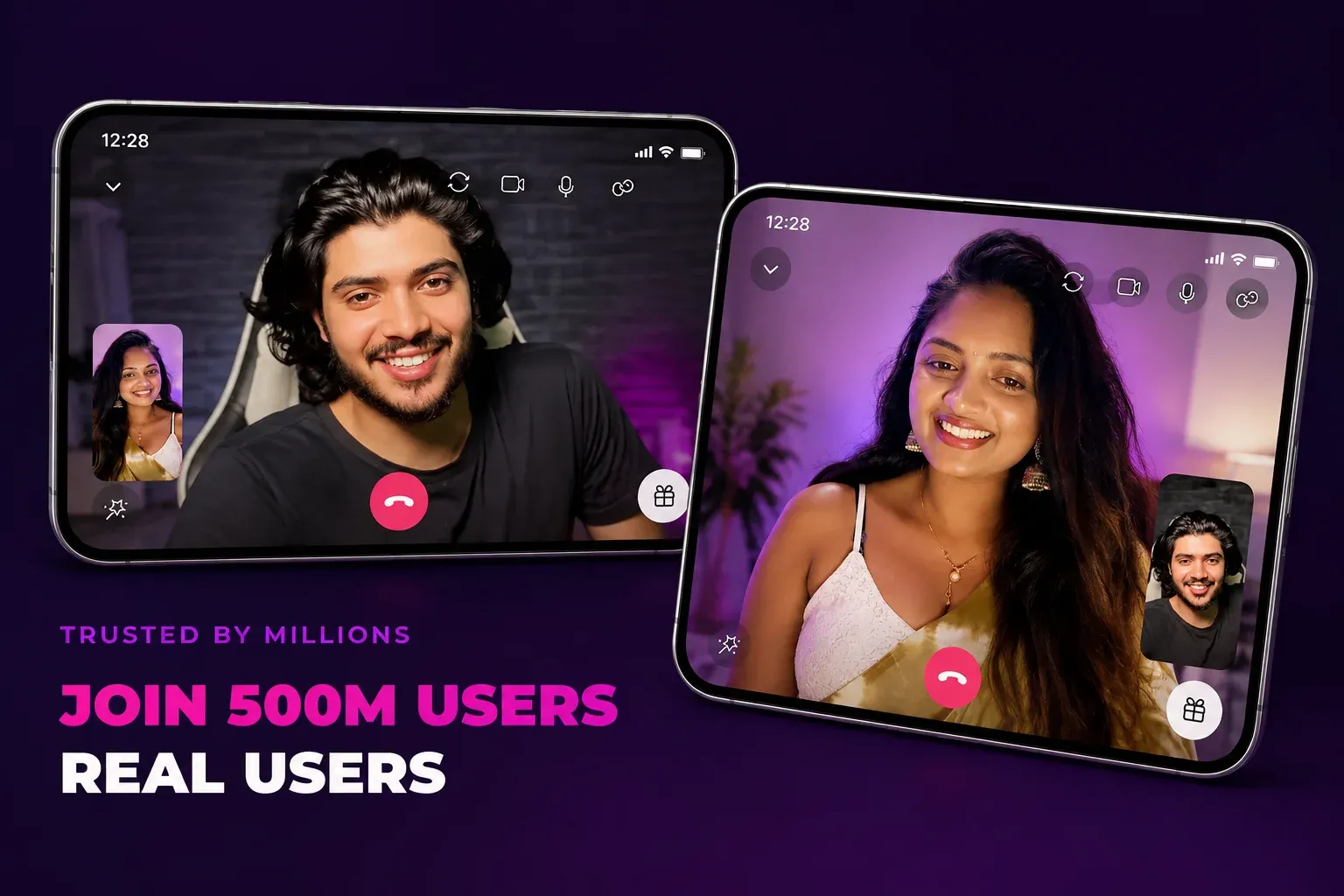
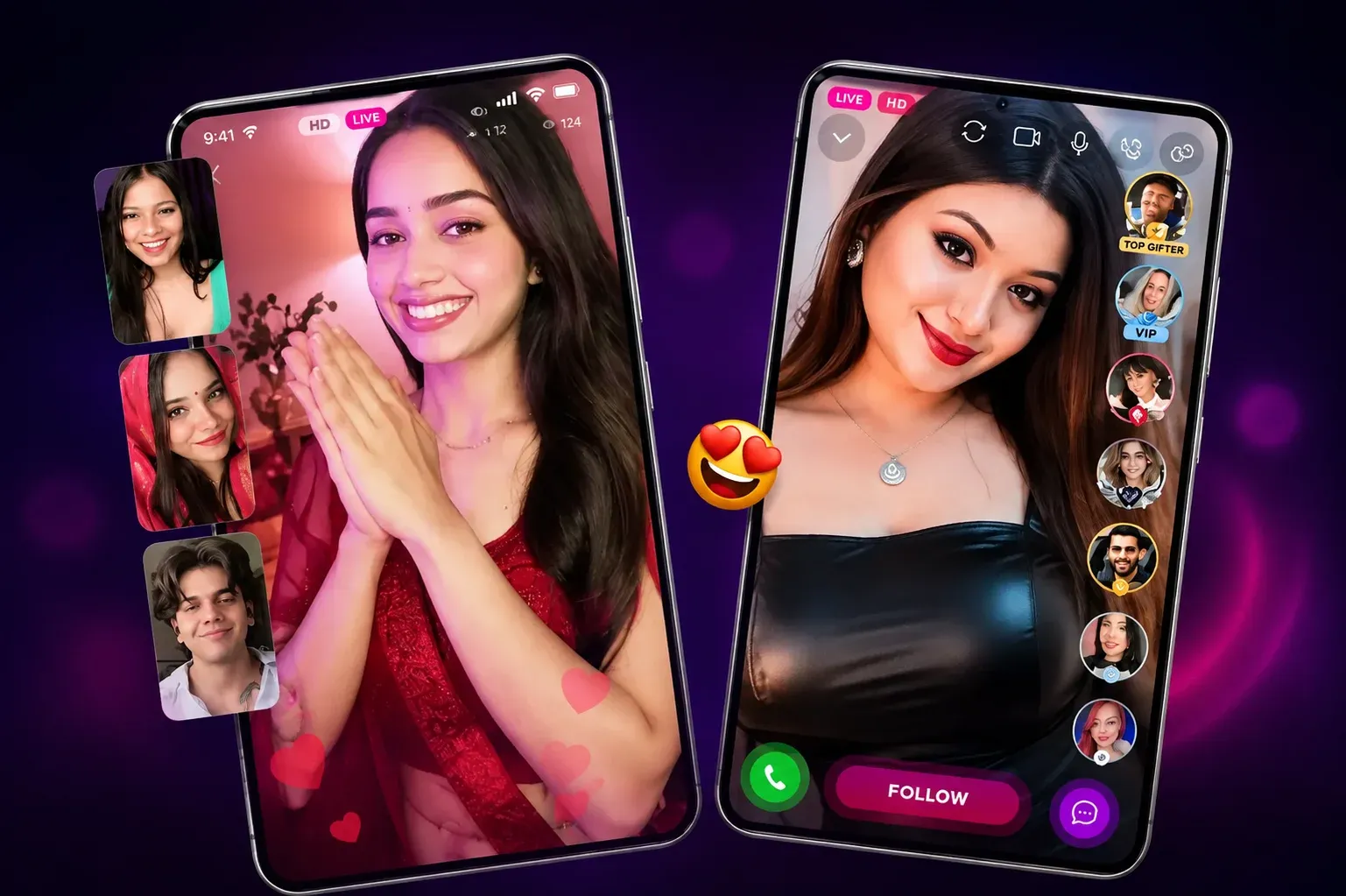
Go live: start a live stream for your followers whenever you want.
-
Watch: live entertainment, streaming around the clock.
-
Video and chat: switch between private video calls and group conversations.
-
Language support: available in Hindi and 99+ other languages, built with Indian users in mind.
-
Built for any network: runs smoothly on 2G through 4G connections, so it's kind on data and battery.
Once you're set up, our guide to random video chat with girls in India covers how to use Tango's chat features safely.
How to Update the Tango APK
Since the app didn't come from the Play Store, it won't update through Play Store updates. Updating manually is straightforward:
-
Return to the official Tango APK page.
-
Download the current version.
-
Open the new file and install it over your existing app, there's no need to uninstall first.
-
Sign in with the same Tango account you already use.
Avoid searching for "old," "premium," "unlocked," or "mod" versions on third-party sites. These aren't official releases, and installing one can put your account or device at risk.
Troubleshooting Common Installation Problems
The APK won't download
Live-streaming apps are larger than a basic utility app, so a slow or unstable mobile connection is the most common cause. Switch to Wi-Fi if you can, and check that your browser actually has permission to download files.
Android says the installation isn't allowed
This is the Allow from this source prompt covered above. Follow those steps once, then try installing again.
The file won't open
Open it from your Downloads folder rather than the notification, which sometimes expires, and confirm the download actually finished before trying again.
"App not installed" appears
This usually means Android doesn't have enough free storage, or you're installing over a much older version of Tango. Clear some space, or remove the old version first, then download a fresh copy.
Tango won't open after installing
A blank or frozen screen on first launch is often just Tango connecting for the first time. Give it a moment, check your connection, and reopen the app before trying anything more drastic.
The page or installation screen looks different than described here
Menu wording and layout vary by phone manufacturer and Android version; the overall steps stay the same. If a step genuinely doesn't match your device, contact Tango support.
How to Verify Your Tango APK Is Official
-
Start from an official tango.me page, not a search ad or a link someone sent you.
-
Avoid files labelled "MOD," "unlocked," or "premium."
-
Don't install files received through messaging apps or file-sharing services.
-
Review the permissions Android requests during installation.
-
Keep Google Play Protect and your device's built-in security features turned on.
-
If you're ever unsure, delete the file and download a fresh copy directly from Tango.
Tango APK FAQs
Where can I download the official Tango APK in India?
Directly from Tango's official APK page at live.tango.me/apk1.
Is the Tango APK free to download?
Yes, downloading and installing the app is free.
Is it safe to install the Tango APK?
It's safe when downloaded from Tango's official page. Third-party APK mirror sites carry real risk, since files there can be modified without your knowledge.
Can I use my existing Tango account with the APK?
Yes. Sign in with the same account you already use.
How do I update the Tango APK?
Return to the official download page, download the current version, and install it over your existing app.
Why does Android ask me to allow installation from this source?
It's part of Android's built-in protection for anything installed outside the Play Store. You only need to allow it once for the browser you used.
Does the Tango APK work on iPhone?
APK files are an Android-only format, so this guide covers Android installation. iPhone users can find install options at tango.me/getapp.
What should I do if the Tango APK won't install?
Check the troubleshooting section above; most issues come down to storage space, a partial download, or the Allow from this source setting.
Download the Official Tango APK
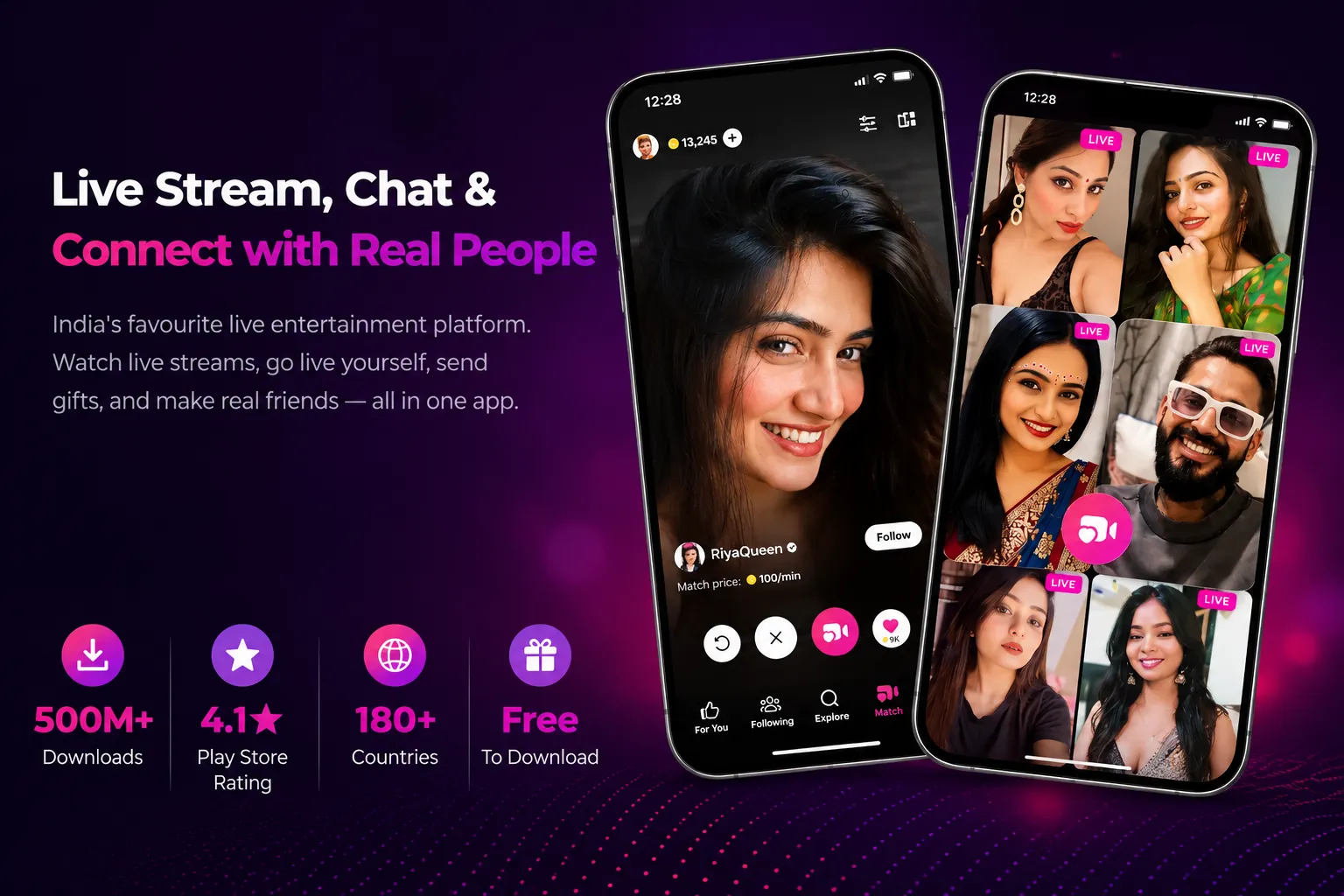
Get the full Tango experience on your Android phone: watch live streams, chat, and connect in real time.
Tango Categories
Tango Trends
Video chat and live streaming continue to evolve as technology, online behaviour and platform features change the way people connect. From video chat and social discovery to live communities, creator content and AI-powered features, new trends are shaping how people meet, communicate and interact through live video.
Tango Trends explores the developments shaping video chat, live streaming and the wider live social space. Discover changing user behaviour, emerging technologies, creator economy trends and new platform features, along with insights into where online video communication is heading next.
Keep Up with Tango
Get the latest articles, product news, and community stories delivered to your inbox.